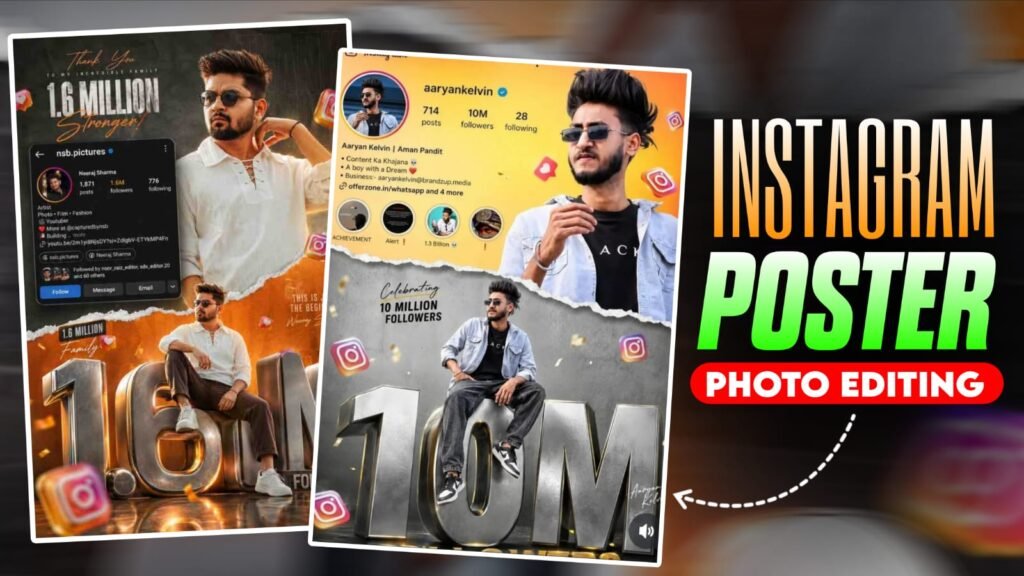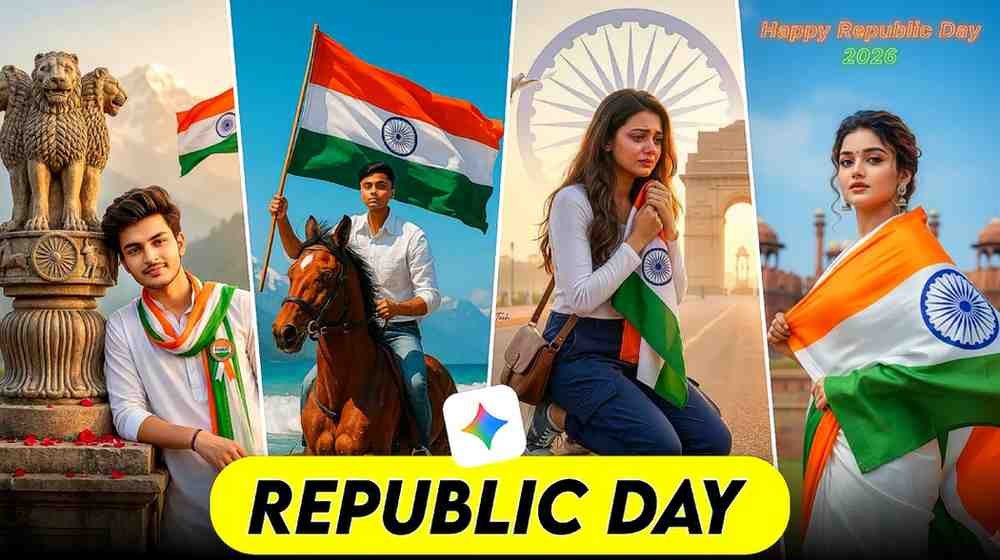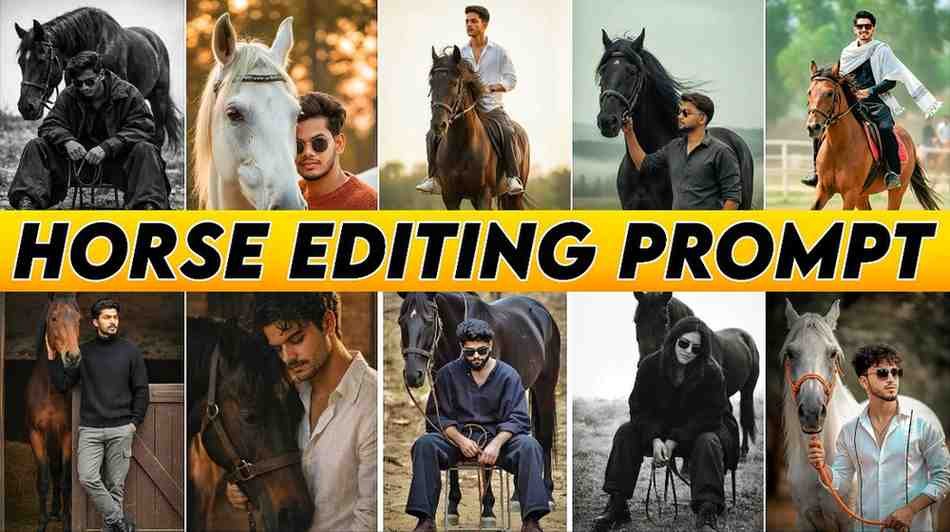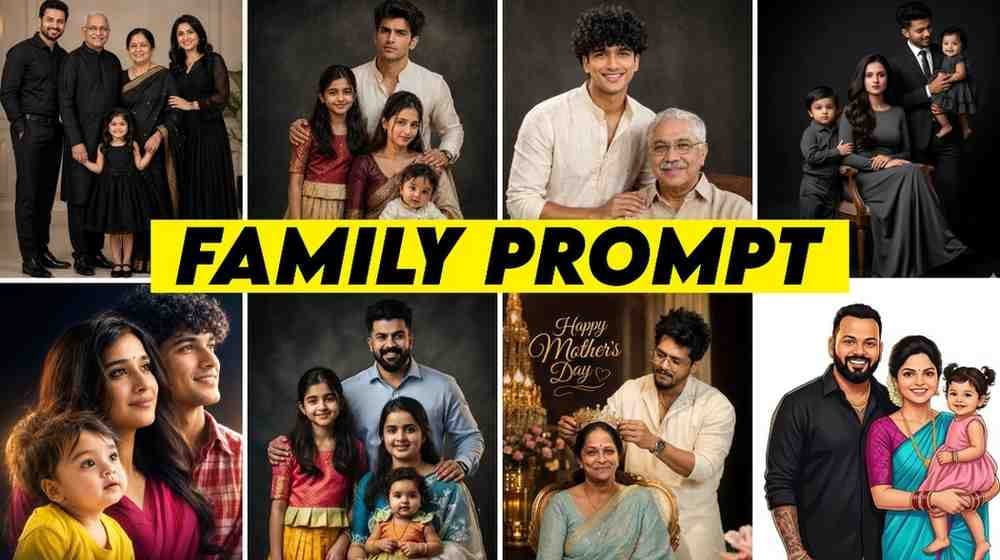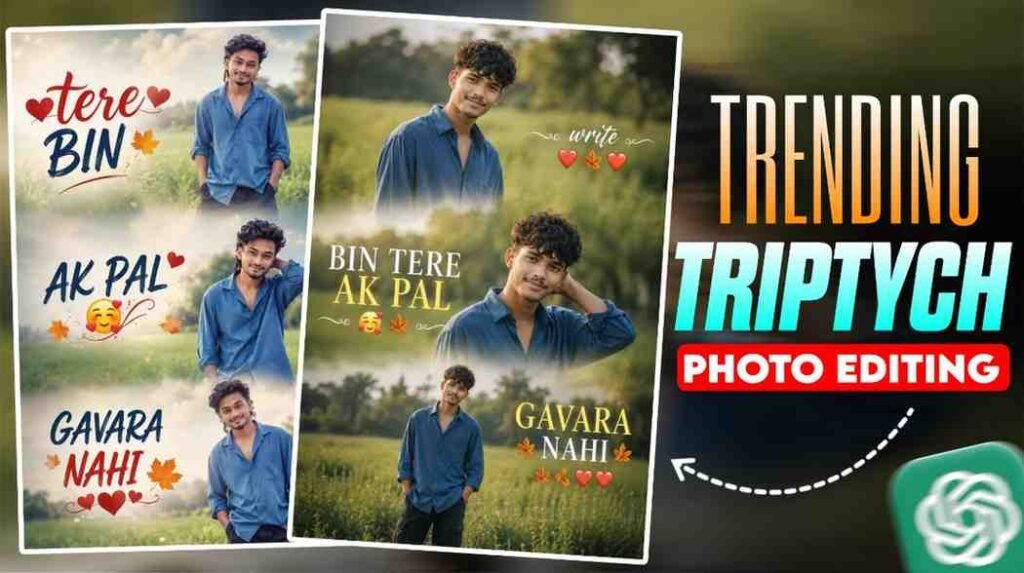
If you are still confused about trending typography photo editing prompt, then this article is written just for you. Right now on Instagram, a 3-layer typography photo is going viral, and when I tried to make it, I also got very confused at first.
Where do I put the prompt, how do I upload the photo, which one is better ChatGPT or Gemini, all these questions were going around in my head. You have maybe faced the same problem too.
Do not worry. In this article I will tell you everything from the very beginning, in simple English. I will tell you how to make this photo in both ChatGPT and Gemini.
What is Typography AI Photo Editing and Why is it Trending
Typography means arranging letters or writing in a way that looks like art. And AI photo editing means creating or changing photos using artificial intelligence.
When these two things mix together, what is created is called typography AI photo editing. It means your name or any word is mixed into the photo in such a way that it looks like it has become a part of the photo.
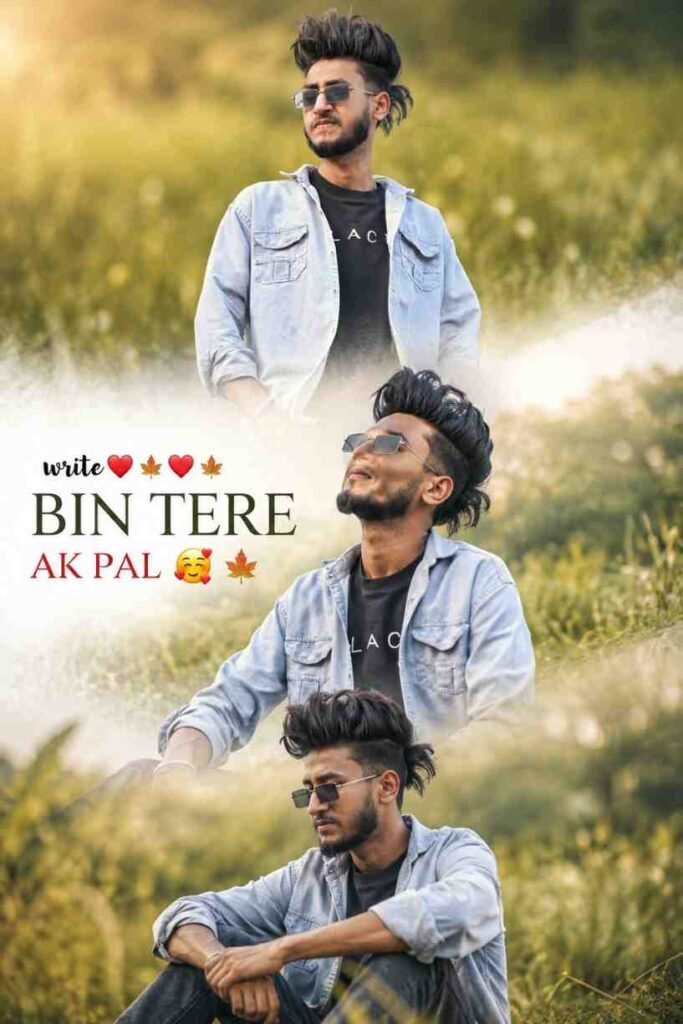
The photos that are trending on Instagram right now are mostly 3-layer photos. That means one background layer, then your name or text art layer in the middle, and one foreground layer in the front. The effect that is created by mixing these three layers looks just like a cinema poster.
Do you know why these new trending AI photo editing prompts are so popular, because you do not need any professional skill to make them. One correct prompt and one AI app, that is it, work is done.
People are now using Gemini trending photo editing prompt and ChatGPT, both of them, to make this kind of photo. And every day new photos are going viral.
How to Generate Text Art Using Gemini Trending Photo Editing Prompt
When I tried to do this work with Gemini, the first mistake I made was that I directly typed the prompt without uploading a photo. So what came out was a completely different photo, my face was not there.
Then I understood that to work in this way, I had to be a little more systematic.
Look, to create this kind of trending photo, please follow the steps given below. I have tried to explain it to you in very simple language.
First, copy the prompt that is given below.
Then, go to the Gemini app. At the bottom there is a box for typing, on the left side there is a plus icon. Click on it. A menu will open. From there select the Gallery option and upload the photo that you want to edit. Then paste the prompt that you had copied and send it.
That is it. In just a few seconds the result of your typography photo editing will come.
Use this trending Gemini AI photo editing prompt.
Step-by-Step Guide, How to Use These Prompts to Create Images
Now I will tell you how to work in both places, Gemini and ChatGPT.
How to do it in Gemini
Open the Gemini app on your mobile or browser. Go to the chat box at the bottom and press the plus button. Select your photo from the gallery. Then paste the prompt above, put your own name and send it.
Gemini will take a little time. 30 seconds to 1 minute. After that a beautiful typography photo will be created.
How to do it in ChatGPT
The work in ChatGPT is a little different. Here DALL E is used to create photos. Go to the ChatGPT app or site. Start a new chat. Click on the paperclip icon to upload a photo and upload your photo.
In ChatGPT it sometimes takes a little more time, but the result is amazing.
Remember one thing, it may not be exactly what you want on the first try. Change the prompt a little and try again. If you try 3 to 4 times you will get the best result.
Key Features of a Perfect Typography AI Photo Editing
A good typography AI photo has some features, and if those are not there, the photo looks ordinary.
- Layer Depth: All 3 layers should be clearly visible. If the background, text and foreground can be seen separately from each other, the depth of the photo increases.
- Letter Integration: The text needs to be mixed into the photo in such a way that it feels like a natural part of the photo. If it looks artificial, the beauty of the photo is destroyed.
- Light and Shadow: In a good typography photo, the play of light is very important. Light should fall on the text from the same direction that light is coming from in the whole photo.
- Resolution: If the photo is not created in 4K or at least HD resolution, it will not look good when posted on Instagram.
- Color Harmony: The colors of the background, text and foreground need to match each other. If you use too bright colors, the photo looks cheap.
- Foreground Element: Fire, flower petals, smoke or light particles, these kinds of foreground elements give the photo a cinematic look. If this is not there, the 3-layer effect is not complete.
If you keep all these things in mind when writing the prompt, you get the best result from a new trending AI photo editing prompt.
Pro Tips for Best Results in Trending Photo Editing
I made many photos and understood a few things that waste your time if you do not know them.
Photo Selection, The photo that you upload should be clear. If you give a blurry or very small photo, AI cannot give a good result. Use a photo of at least 1000 x 1000 pixels.
Bright Face, In the photo that you give, your face should be clearly visible. If you give a photo taken in the dark, AI cannot detect the face.
Tell the Style in the Prompt, Just saying typography will not work. Tell what style you want, cinematic, dark fantasy, neon glow, golden hour, and so on. The more detailed you tell, the better the result will be.
Do Not Be Afraid to Retry, Try 3 to 4 times with the same prompt. Each time a slightly different result comes. Choose the best one.
Special Tips for ChatGPT, After uploading the photo in ChatGPT, wait a little. Then give the prompt. If you give everything together, sometimes the photo does not process properly.
Special Tips for Gemini, If you give the prompt in Bengali in Gemini, the result comes out a little weak. Give the prompt in English, the result will be much better.
If you remember these 5 new trending AI photo editing prompt tips, your photo will be good every time.
How to Customize the Prompts with Your Own Name
Many people want to know this, is it enough to just change the name, or do you have to do something more.
To be honest, just changing the name works in most cases. But if you do some customization, the photo becomes more personal.
When changing the name, remember that short names with 3 to 5 letters look more beautiful in the photo. If you give a long name, sometimes the text becomes small or looks strange. So if you have a long name, just give your first name or nickname.
You can also tell the font style along with the name. For example, Write my name Raju in bold serif font, or Write Priya in cursive handwriting style. This brings variety to the result.
If you want to customize the color, tell in the prompt, Make the text in golden color with red glow, or Blue neon text with white light particles.
If you want to change the background, say, Set the scene in a rainy night city, or Background should be a dense forest at sunset.
If you make these small changes, your trending new Gemini AI boys photo editing prompts, or for girls too, a completely different and unique photo will be created.
The easiest way to create a custom prompt for yourself is, take the base prompt above, put your own name, add your favorite color and style. That is it.
My Own Experience, Where I Stumbled and How I Learned
To be honest, learning this typography photo editing was a small battle for me.
The first time I tried, in Gemini I only gave the prompt but forgot to upload the photo. So what came out was a completely AI-generated photo of an unknown face. I laughed at myself.
Then I uploaded the photo but I wrote the prompt in Bengali. The result came but the text did not mix properly into the photo. It looked separate. Then I understood, AI tools understand English prompts much better.
On the third try I wrote the prompt in English, but I forgot to say the words 3 layer. The photo that came was beautiful but flat, no depth at all. It felt like an ordinary photo effect, that viral 3-layer look did not come.
On the fourth try I did everything correctly. I uploaded the photo, gave a detailed prompt in English, mentioned 3 layer, cinematic, foreground elements, everything. And when I saw the result I was amazed myself. Exactly that viral look.
The biggest lesson I learned was, AI tools work as well as you tell them to. The more detailed the prompt, the better the result. This is not any magic, it is a skill that everyone can learn by practicing.
I faced the same problem in ChatGPT too. There I found that if you do not wait a little after uploading the photo, the result does not come out well. If you are just a little patient, the problem is solved.
Now I can create this kind of typography photo in no time. You also can, just try a little.
Conclusion
Making this 3-layer cinematic photo using trending typography photo editing prompt is not something difficult anymore. You can start from either Gemini or ChatGPT.
The right prompt, a clear photo and a little patience, if you have these three things, a wonderful typography art will be created for Instagram. Use new Instagram trending AI photo editing prompts to make your profile completely different.
Remember, if it does not work on the first try, do not give up. You will learn something from every try. And after a few tries you will see that you yourself have become an expert.