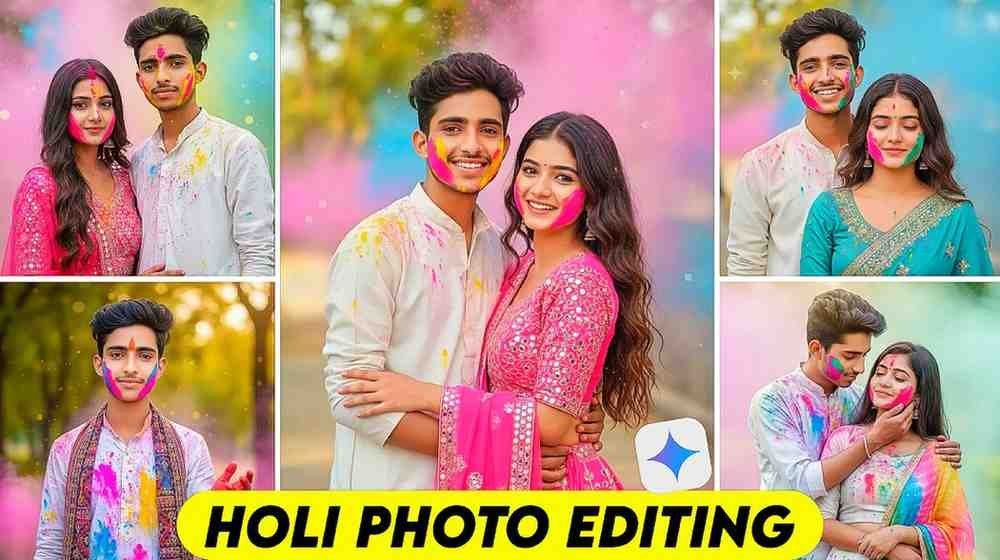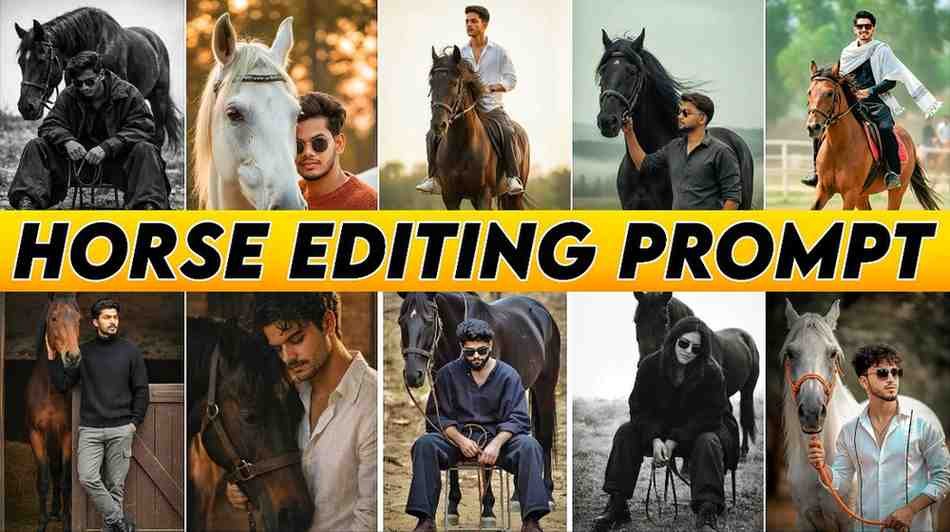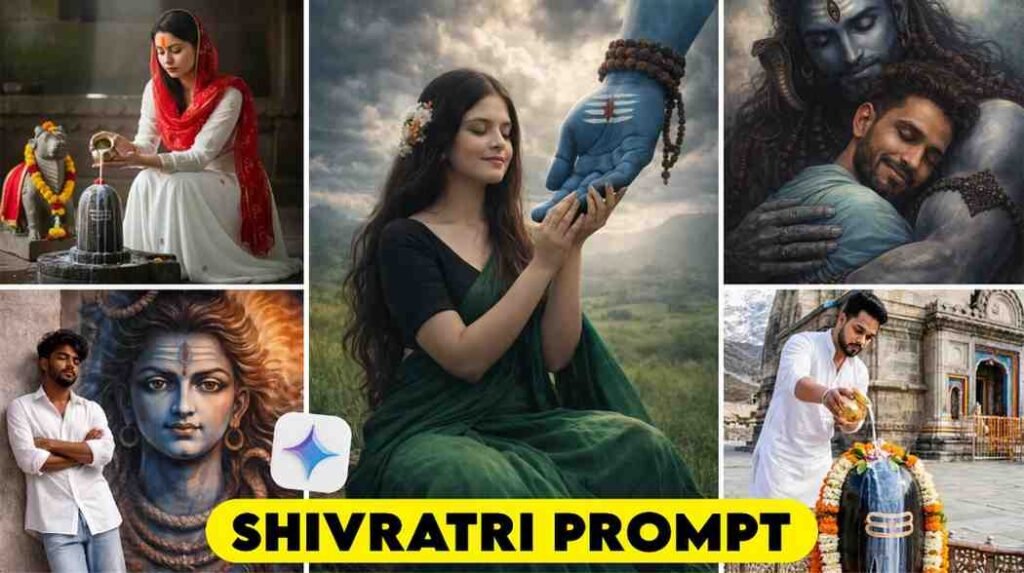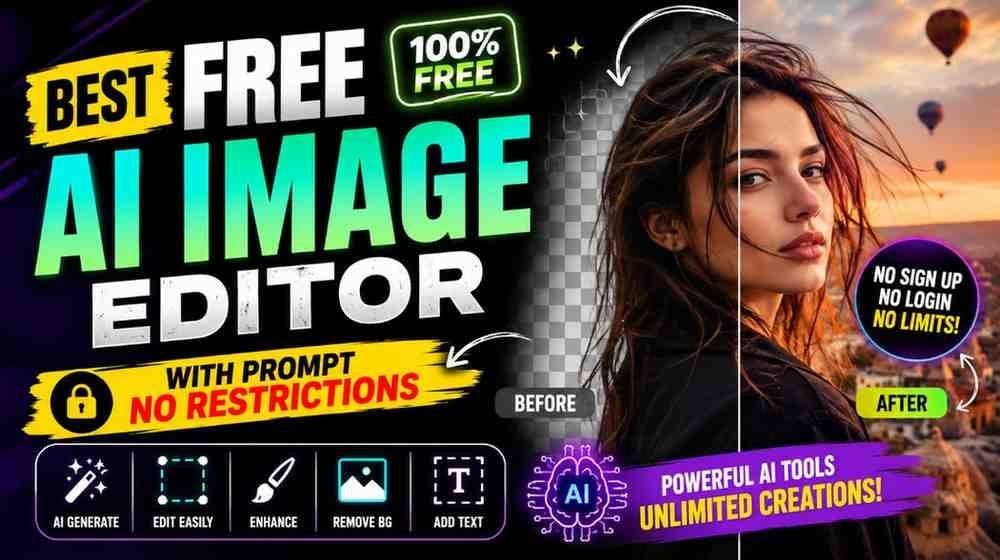
If you searched on Google for “AI Image Editor with Prompt No Restrictions” and came here, it means you have the same problem. You are looking for an AI tool where you can upload your photo, write a prompt, and edit it beautifully. Also, you do not want to pay money after making a few photos, or you do not want the limit to end very quickly.
I also faced this exact problem at first. I made a photo in an AI app, and it worked well one or two times. But after a little while, I saw that it was not making photos anymore. Somewhere it asked for a subscription, and somewhere it allowed very few photos every day. Then I understood that searching for just any AI tool is not enough. We need a tool that is easy for common people to use.
After using many AI tools, I noticed one thing. Most people do not want complex software. They just want to upload their photo, write a prompt or copy and paste it, and then a new photo will be ready in a few seconds. That is the main topic of today’s article.
In this writing, I will show a method that I use myself. Here I will discuss in easy language how to edit photos with prompts using the Gemini app, how to make many photos every day, and how to keep working without unnecessary costs.
I will try to explain it in a way so that you can understand the whole thing even if you have never done AI photo editing before.
What Is an AI Image Editor With Prompt No Restrictions?
Nowadays AI photo editing has become very easy. Before, it took a lot of time to edit a photo beautifully. People had to use different apps. They used one app to change the background and another app to fix the color. But now AI can do many things together.
If you want an ai photo editor online free no restrictions to make your work fast, you need to understand how these tools operate.
Actually, by “No Restrictions”, most users mean an AI photo editor where there will be very few limits, they do not have to pay money again and again, and they can make enough photos every day. That means they will have the benefit of making new photos using prompts again and again according to their need.
In my experience, when choosing a tool for this kind of work, you should not just look at the word “Unlimited”. Instead, you have to see how easily the tool works, how good the quality of the photo is, and how much you can actually use it every day.
Gemini has become popular with many people for this reason. Because here you can upload your photo and use a prompt to get new results easily. Especially for new users, it feels very easy.
How Prompt-Based AI Photo Editing Works
Many people think about whether they have to write very big prompts when they do AI photo editing for the first time.
Actually, the matter is not that difficult.
Prompt means you are telling the AI in easy language what you want. For example, if you want the background of the photo to change into a mountain, you will say that through the prompt. If you want the clothes to change, the light to become soft, or the style of the photo to be different, you will also write that in the prompt.
When I used a prompt for the first time, I wrote very small sentences. The results were also ordinary. Later I understood that the more clearly you give instructions, the better the AI can understand the matter.
However, this does not mean that the prompt must be very big. Many times a small but clear prompt also gives very good results.
For this reason, using an AI image editor with prompt is so popular now. Because here you do not have to learn any complex editing tool. You just give instructions according to your need, and the AI tries to work according to that.
What Users Really Mean by “No Restrictions”
Most people who search for “No Restrictions” on Google have only one goal, which is to make as many photos as possible.
Some people want to edit many AI photos every day. Some people regularly make new photos for social media. Many people use AI to create YouTube thumbnails or Instagram photos.
Their problem is that many AI tools start showing limits after using them a few times. Then they have to take a new plan or they have to wait.
I have seen that for a common user, the most important thing is whether they can make enough photos in one day.
In the case of Gemini, there can be a daily usage limit. But for common users, that is enough in many cases. Besides, in the next part, I will discuss a very easy method that many people use to run their daily work more easily.
Common Myths About Unlimited AI Photo Editing
Many wrong ideas about AI photo editing go around the internet.
The first wrong idea is that some AI tools let you make completely unlimited photos for a lifetime. In reality, almost all services have some usage policy or limit.
The second wrong idea is that the bigger the prompt you write, the better the result will be. In my experience, this is not always true. Many times a small, clear, and specific prompt gives better results.
Another wrong idea is that all AI tools make photos of the same quality. In reality, every AI has its own way of working. So, the same prompt can give different results in different AI tools.
For this reason, it is important to understand the real benefits, limits, and way of working of a tool before using it. You should not make a decision just by looking at advertisements or small videos on social media.
Why People Are Looking for Unlimited AI Photo Editing Tools
In the last one or two years, the popularity of AI photo editing has increased a lot. Before, where it took a lot of time to edit a photo beautifully, now it is possible to do a lot of work by writing just one prompt. So now many people are looking for an AI tool where they will not face the limit problem again and again, and they can make photos according to their need.
I also used different AI photo editors at first. The first few photos were made very well, but the usage limit finished within a short time. Then I had to wait again or I was told to pay money for a plan. Truly speaking, this is quite annoying for a common user.
Many people use AI every day for YouTube thumbnails, Instagram photos, Facebook posts, or personal photos. They want a system where they do not need to search for a new account every time, and they can continue their work easily.
In my opinion, you should not choose a tool just by looking at the word “Unlimited”. Instead, you have to see how good results that tool gives in reality, how easily it can be used, and how helpful it is for a new user.
Generate Multiple AI Photos Without Paying
Many people think that you must spend money to do good quality AI photo editing. In reality, the matter is not always like that.
Currently, you can make many types of photos just by using the free benefits of Gemini. Especially for those who are new, it is a good place to start.
When I first started using Gemini, I did not take any separate paid plan. I tested different prompts with a few of my own photos. Sometimes I changed the background, sometimes I changed the style of clothes, and sometimes I changed the light or color. In most cases, I got good results.
If you need to make many photos every day, it is good to divide the work. Make the necessary photos in one session. Later, if needed, you can use another Gmail account to continue the work. This method is quite effective for many users.
In my calculation, if you can make close to 100 photos every day, that is a very big benefit in a real sense for a common user. Most people do not even need that many photos every day.
How To Edit Photos Using Gemini AI Prompts
Many people think that editing photos with AI means a very difficult task. When I saw it for the first time, I also felt exactly like that. But after using it a few times, I understood that the whole matter is actually very easy. If you can learn the correct method once, then you can edit any of your photos in a new way within a few minutes.
I usually use the prompts given on our website. Because every prompt is tested and created beforehand. So, I do not have to think about what to write new. Just copying your favorite prompt and using it in Gemini does the work.
Remember one thing here. AI cannot understand the words of your mind. AI will try to make the photo according to the instructions you give in the prompt. So, if you change the prompt, the result can also change.
Now I am saying the method that I use myself.
- First, copy your favorite photo editing prompt from our website.
- After that, open the Gemini app. Press the plus icon below and choose the gallery option. Now upload the photo that you want to edit.
- When the photo is uploaded, paste the prompt you copied before.
- At the very end, just press the send button.
- Within a short time, Gemini will make a new photo for you according to your instruction.
Even if the whole method feels a bit new for the first time, it will feel very easy from the second or third time.
Prompt Writing Tips for Better AI Photo Editing
You do not always need a big prompt to get good photos. You need clear instructions.
In the beginning, I wrote very small and unclear prompts. Later I understood that if you write a bit clearly about the background, clothes, light, camera angle, or style of the photo, the result comes out much better.
And if you use the prompts from our website, you do not even need to write anything separately. Just copy the prompt, upload the photo in Gemini, and paste it to send.
Best Practices for Creating High-Quality AI Images
It is not that a good photo will be made every time just by using a good AI. When I first started AI photo editing, it happened many times that the prompt was correct, but the result was not that good. Later I understood that not only the prompt, but the quality of the photo, the type of instruction, and small things are also very important.
My habit is that before using a new prompt, I look at the photo well once. If the photo is blurry or the light is very low, I choose a clear photo instead. By this, the AI can understand the face, clothes, and other parts of the photo well.
I always follow another thing. If I do not get the favorite result by using the same prompt once, I do not drop it immediately. Instead, I make small changes and try again. Many times, changing just one line gives a much better result.
The most important thing is patience. AI photo editing is a work where a perfect result may not come every time at the very first shot. But after trying a few times, you will understand yourself what kind of prompt works best for you.
Pros and Cons of Using Free AI Photo Editors
Currently, there are many free AI photo editors on the internet. But the benefits and limits of all tools are not the same. I often try using new AI tools so that I can understand which one works well in which situation.
In my experience, the biggest benefit of free AI tools is that new users can start work without any cost. This also makes learning AI photo editing easy. You can test different types of prompts and you can also understand which style you like.
However, there are some limits too. In many free tools, you can make a specific number of photos every day. Again, in some tools, some advanced features are kept only for paid users.
For this reason, I always say that you should use the free benefits well first. If your amount of work increases a lot in the future, then you can think about other options according to your need.
Expert Tips to Get the Most Out of AI Photo Editing
When I started doing AI photo editing regularly, I understood one thing. You should not just have a good prompt, you must also create a method for your work. This takes less time to make the same type of photos again and again, and the result is also very good.
I usually save the prompts separately that give good results. Later, when I go to make the same type of photo, I do not have to write everything from the beginning. Just changing a few lines according to the need is enough.
Another habit helped me a lot. I test multiple prompts for the same photo. Sometimes the first prompt works best, and sometimes the second or third prompt gives a better result. So, it is good to try a few options without depending on just one result.
At the very end, I will say one thing. No matter how advanced the AI is, the final decision is yours. So, look at the photo well after it is made. If there is a need for change anywhere, change the prompt a little and try again. This small habit will slowly make the quality of your editing much better.
Conclusion
So, I hope you have learned from today’s article which app is there from where you can do unlimited photo editing. Yes, Gemini is that application, from here you can make almost unlimited AI photos. You only have to change the Gmail of your account. If you follow this small method, you can also do unlimited, it can almost be called unlimited, photo editing.
If you have any problem understanding any matter, then definitely let us know in the comment, and on our website you will find new styles of photo editing prompts, Lightroom presets, and other things. Stay well, stay healthy, thank you.